Black Friday
15,000 free credits. Then 50% off for 2 months.
Ends Monday 30 NovemberNo card needed. 50% off your site licences for 2 months with FRIDAY50. Ends Monday 30 November, 23:59 Pacific.
Build & manage WordPress websites with AI Agents
WPOS is an operating layer for the WordPress sites you already run. A brand PDF becomes a live theme. A design becomes a page. An agent does the busywork — on your hosting, in native WordPress, still yours to edit.
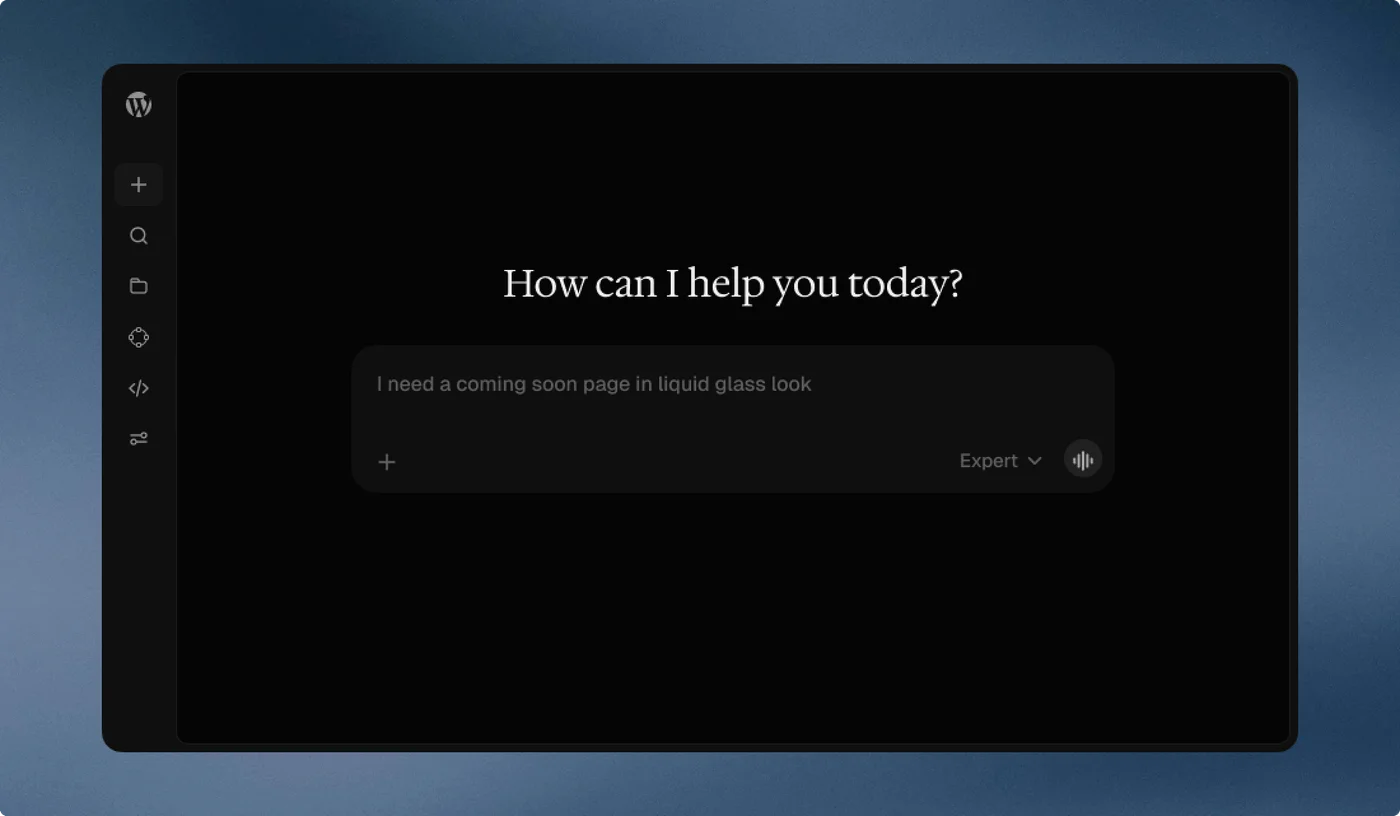
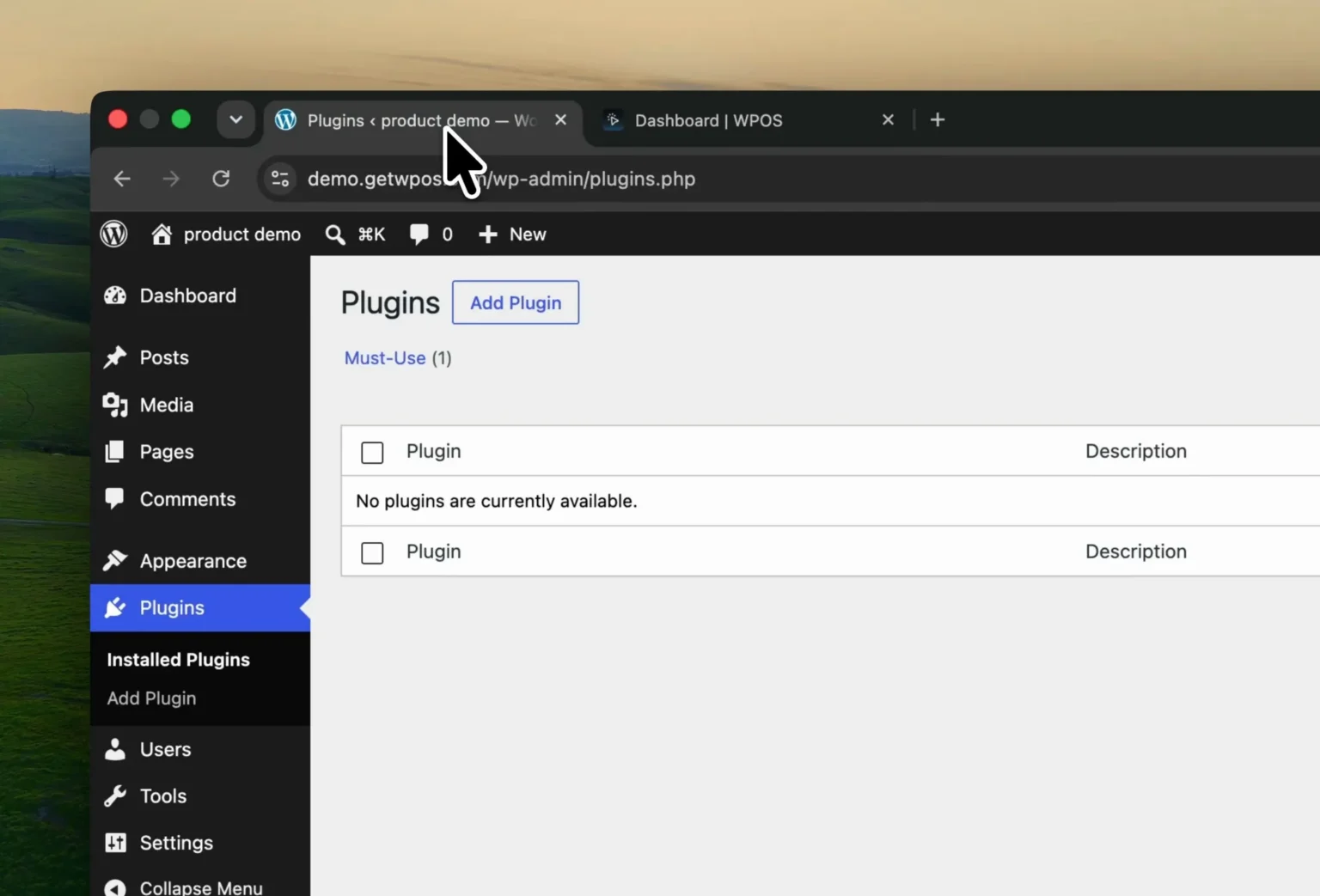
This is a finished website for a boutique design studio designed, built, and running live on WordPress. It’s native, it lives on the client’s own host, and every section stays fully editable. No template to wrestle with, no page builder marathon. The whole thing was built through conversation with WPOS. And here is where it started. An empty WordPress site, a blank dashboard, a couple of default pages, and nothing else. For an agency, it begins the same way every time: a quick search and your account. You sign in to your workspace, one place to run every client site you manage, with your credits and your builds all in view. To connect a client site, you download a single plugin. Then inside that WordPress instance, you upload it and install it just like any other plugin. Nothing to set up on the server and nothing that disturbs the existing theme or content. Once it’s active, it opens right inside WP admin and asks for a license key. You copy that key from your workspace, paste it in, and the site is connected. Setup done in under two minutes. Now the real work begins. You brief it the way you’d brief a designer you trust, what the site is for, who it’s speaking to, and the tone it should strike. Plain language. No tickets, no spec documents, no back and forth. From that brief, it plans the whole project and turns it into a sequence of tasks you can watch it work through one by one. First, it audits what’s already on the site, then it confirms the foundation and the brand direction with you. It builds the design system, the color, the type, the components. And it generates the imagery section by section. Every task is real work in real WordPress done in order and you can step in and steer it at any point. The result is a site your client could launch today and one your team can keep operating where every future change is simply another message. That is how an agency ships more work without growing the team.
Try it on your own WordPress site.
Start free — no card


Describe what you want
Drop a brand PDF or a Figma frame. WPOS plans before it builds.
Watch WPOS build
Native Gutenberg or Elementor. Every change versioned first.
Refine and ship
Point at anything and describe the change. It verifies its own work.
Ship More Client Sites Without Hiring More People*
*Comparing 1 Operator + WPOS to 1× dedicated resource per category.

“WPOS enables AI to be used directly inside WordPress, saving countless hours.”
It completely changes the way my agency builds and manages websites.
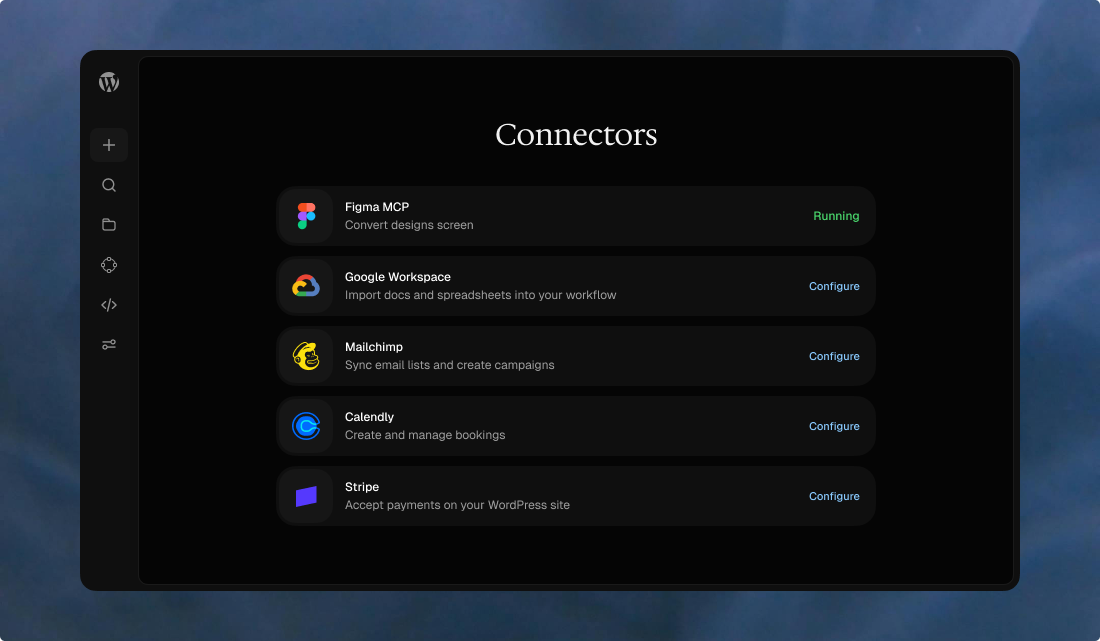
Connect your apps
Connect once, then they do real work: posts, forms, chat, bookings.
Figma to WordPress
Turn Figma designs into WordPress pages. No export, just conversation.
Image Generation
Generate images directly in your chat. Hero backgrounds, product shots, icons.
Transparent Pricing
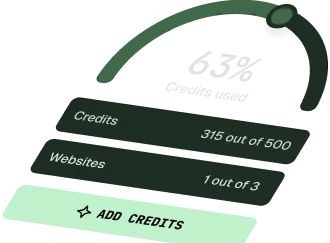
Start free for 30 days — 5,000 credits, no card required. Then $25 per site, dropping to $19.50 as you scale. Pay as you go, no lock-in.
SEE PRICING
Check Out The Community
Join 200+ WordPress professionals sharing workflows, templates, and ideas. Get help from people who build with WPOS daily.
Book a Demo with the Founders
We're a two-person team. Bring one of your sites to a free 30-minute call: we'll run a real task on it with WPOS, live, and plan the rollout for the rest. No sales pitch.
BOOK A DEMOQuestions, Answered.
Everything you need to know before your first prompt. If something's missing, book a call, we'll answer it live.
Yes. WPOS connects to any WordPress site — new or existing. It works alongside your current theme, plugins, and content without replacing anything.
No. WPOS creates isolated, scoped widgets that don't interfere with your existing theme or plugins. Your site stays exactly as it is.
No. A full month free — 5,000 credits, a live site and a staging sandbox — with no card. Nothing charges automatically; after 30 days you choose whether to continue.
To keep your live site published, move to the per-site plan — $25/site, scaling down to $19.50 as you add sites. Because there's no card on file, nothing is charged until you decide to continue.
Yes — native Gutenberg or Elementor on your own hosting. No lock-in, still fully editable by hand.
The WPOS documentation lives at docs.wpos.ai — the operator manual covering installing the plugin, connecting a site, the Command Center, building and styling pages, connectors, SEO and the agency workspace. A machine-readable index of every page is published at docs.wpos.ai/llms.txt.
Latest guides
- AI + WordPress How-Tos November 20, 2026 How to Clone a WordPress Site: 4 Ways, Step by Step Read the guide→
- AI + WordPress How-Tos November 20, 2026 How to Add Schema Markup in WordPress (With or Without a Plugin) Read the guide→
- AI + WordPress How-Tos November 20, 2026 How to Customize the WooCommerce Checkout Page (Blocks and Classic) Read the guide→
- AI + WordPress How-Tos November 20, 2026 How to Customize the WooCommerce Product Page (Block and Classic Themes) Read the guide→
Start free with 15,000 credits.
Three times the usual 5,000, no card needed. Then 50% off your site licences for 2 months with FRIDAY50.
Your next WordPress site starts with a conversation.
30 days free. 5,000 credits, no card. Just describe what you need.